Quickpic Gallery
Photo & Video Organizer
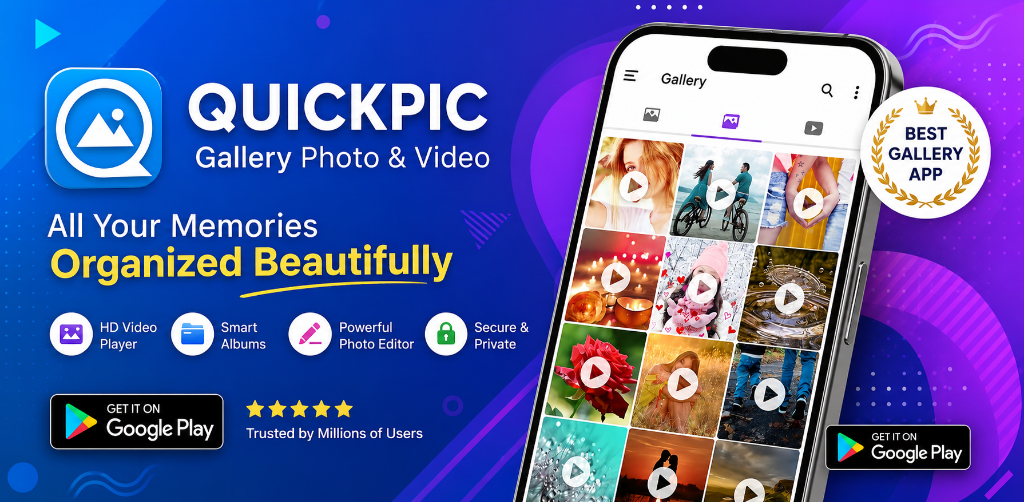
Quickpic Gallery is the ultimate gallery app for Android – fast, light, modern, and feature-rich. Beautifully organize your photo albums, edit pictures instantly, and safeguard your private files.
1M+
Downloads
16.3K
Reviews
15 K+
Daily Visitors
0.02%
Uninstallation Rate
About Quickpic Gallery
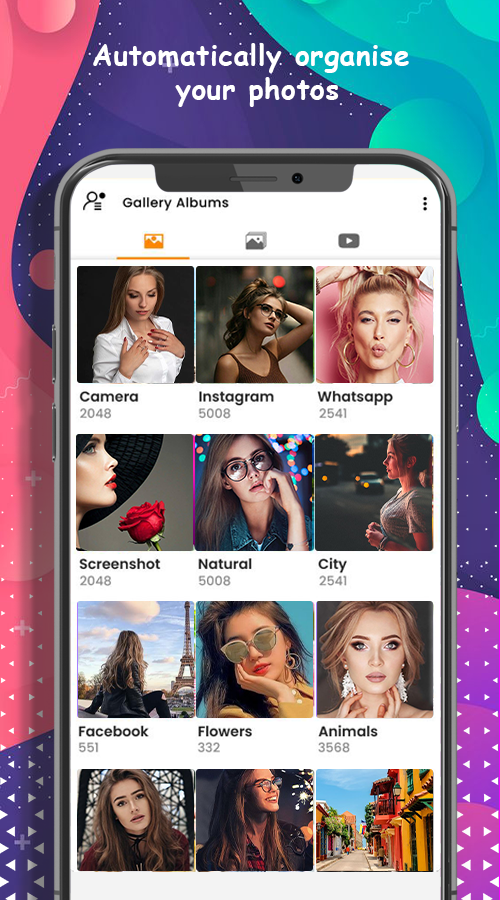
Quickpic Gallery is the best gallery app to keep and manage your photos and videos. If you are looking for a reliable Gallery App or Photo Gallery manager, Quickpic Gallery is designed to allow you to easily browse, arrange, and protect all your media files with ease and comfort.
Download Quickpic Gallery for free and enjoy managing all your images and videos like a piece of cake! It's a lightweight, feature-packed app for Android that puts creative freedom and ultimate privacy directly in your hands.
Make It Yours
Quickpic Gallery's highly customizable design allows you to make the photo app look, feel, and work just the way you want it to. From the UI to the function buttons on the bottom toolbar, you get absolute creative freedom.
All The Files You Need
Full flexibility with a huge variety of formats: JPEG, PNG, MP4, MKV, RAW, SVG, GIF, Panoramic photos, and videos. Never worry about format compatibility on Android again.
Advanced Photo Editor
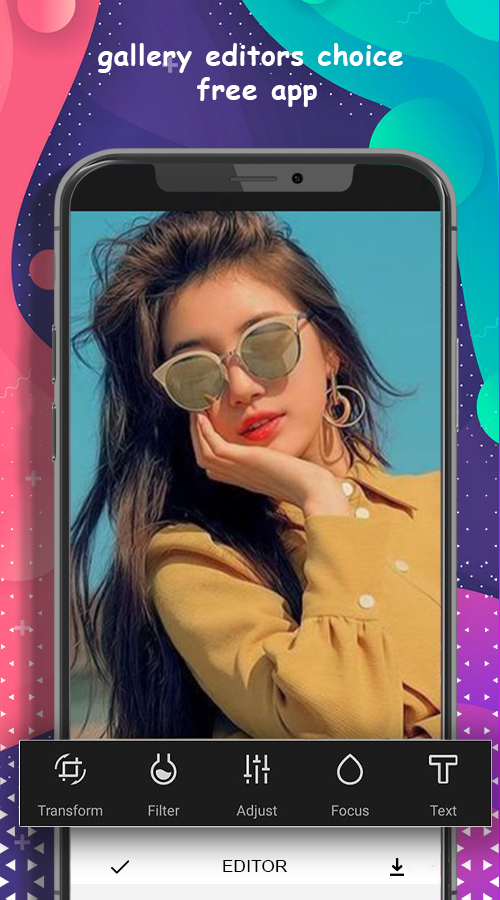
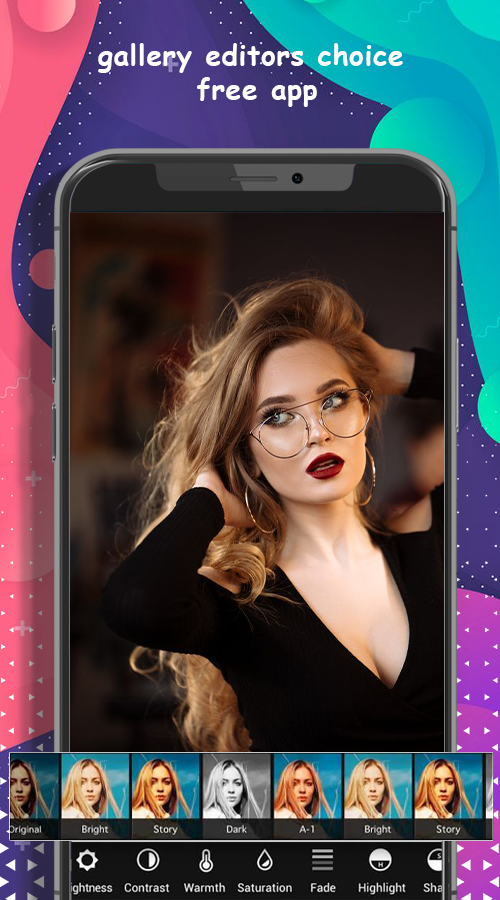
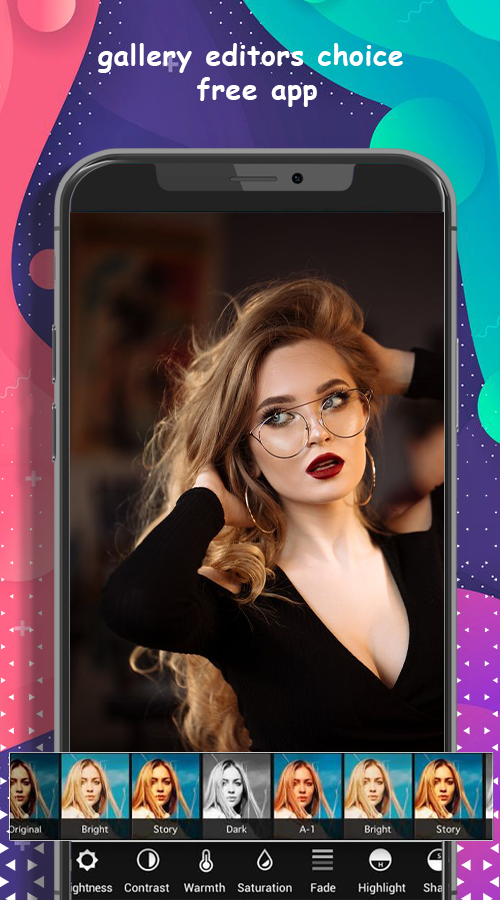
Turn editing into child's play with an improved file organizer and photo album. Intuitive gestures make it super easy to crop, flip, rotate, resize, or apply stylish filters on the fly.
Protect Private Photos & Files
Keep your photo album safe. Use a PIN, pattern, or your device’s fingerprint scanner to limit who can view or edit selected media files, lock specific functions, or protect the app itself.
Recover Deleted Media
Never worry about accidental deletions. Quickpic Gallery allows you to quickly recover deleted photos and videos, meaning it doubles as a secure, amazing photo vault app.
Core Functionality
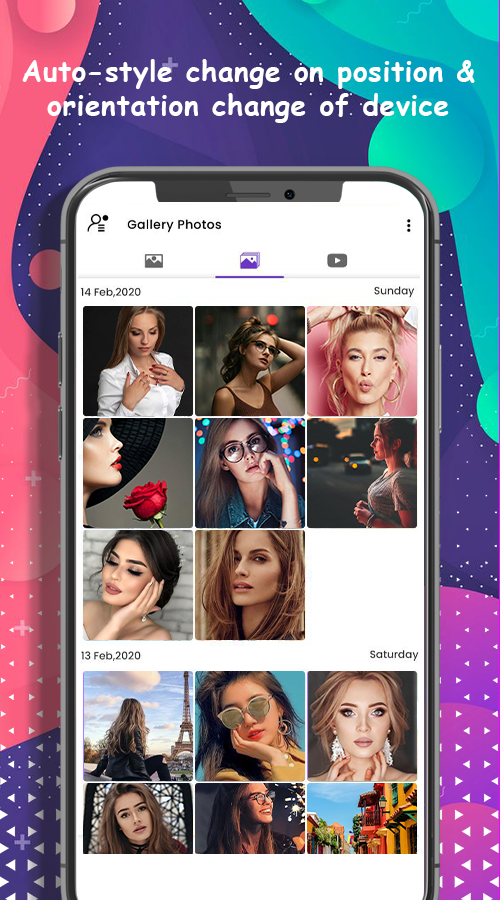
- Show all images and videos dynamically as a unified media gallery.
- Copy, move, rename, or hide files directly inside the application.
- Create new files and custom folders easily.
- Allow users to easily delete redundant files and folders.
- Build custom photo editing adjustments inside the file organizer.
- Transfer photos and videos across folders seamlessly.
Key Features
- Quickly search media (images, videos, GIFs, and folders)
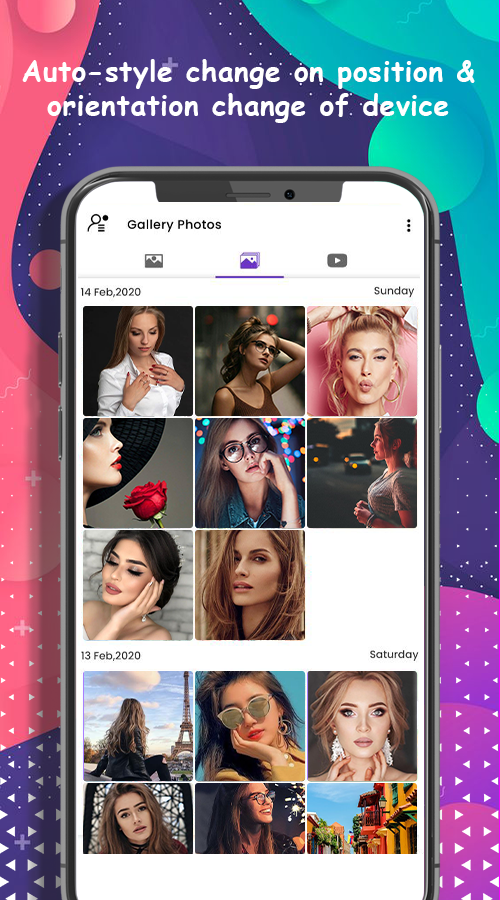
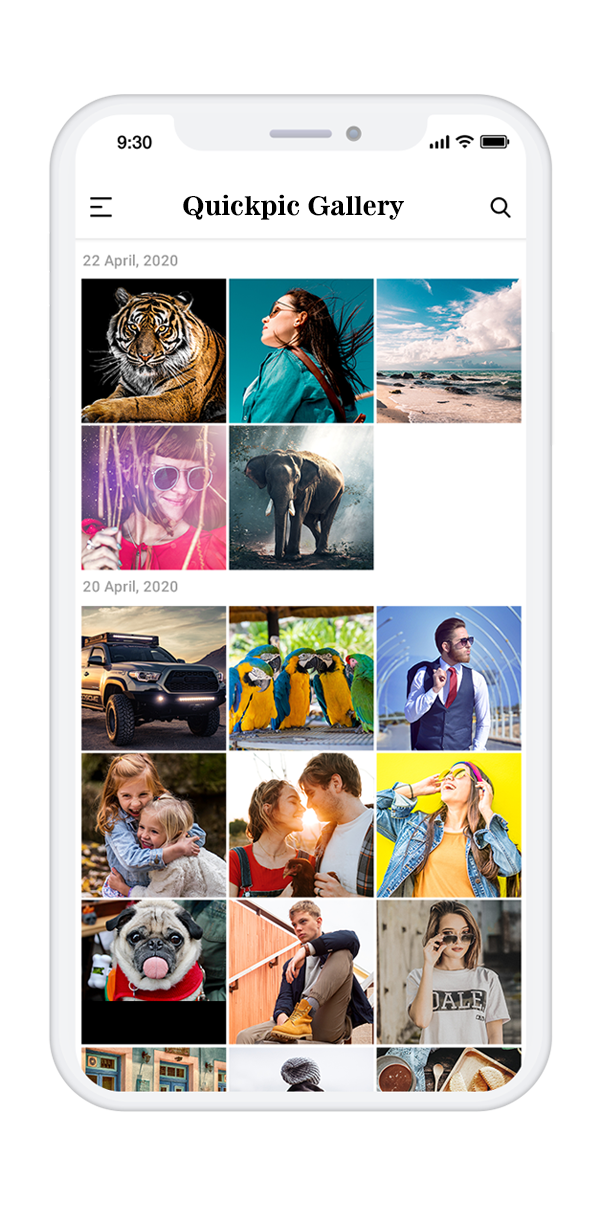
- View all pictures and videos grouped as a clean timeline
- Dark Mode for a comfortable viewing experience
- Easy bookmarking to keep your pictures as favorites
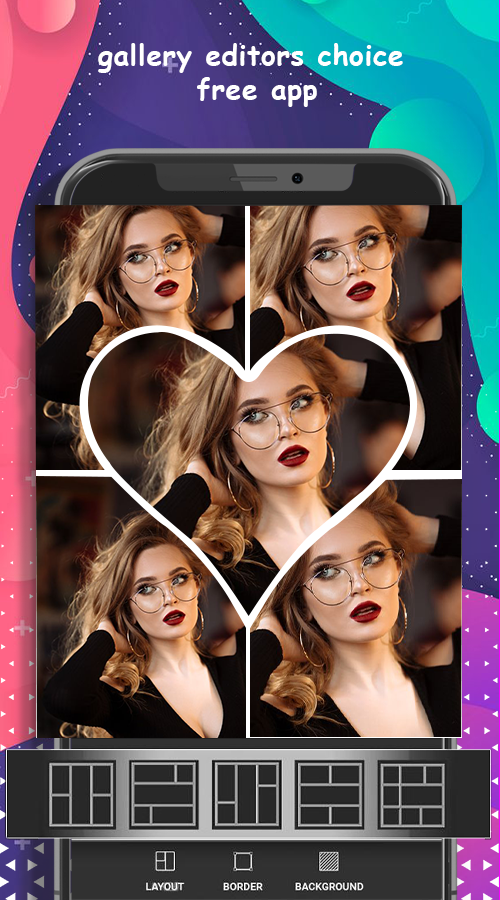
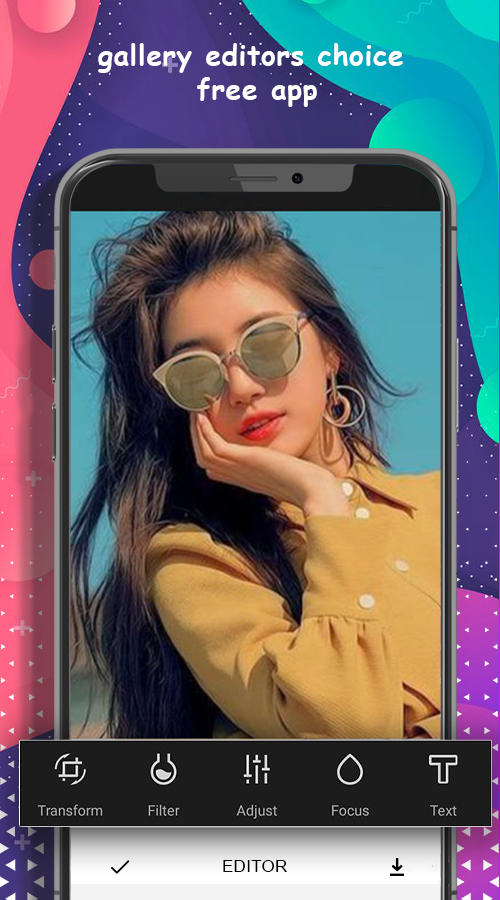
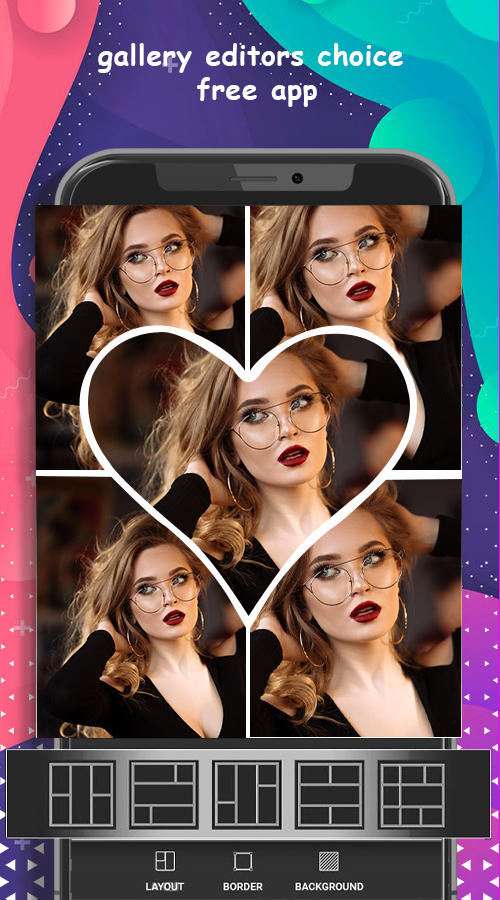
- Photo editing with Text, Stickers, Filters, and Cropping
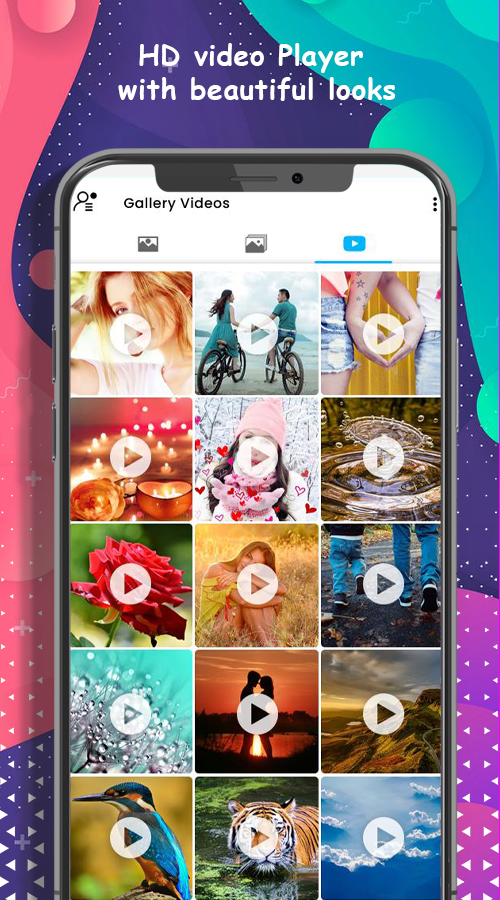
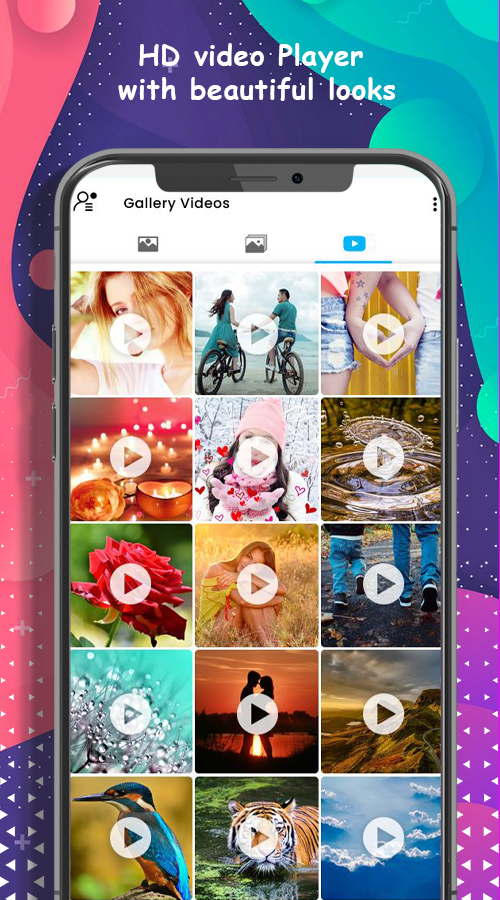
- Dedicated video player integrated directly inside the app
- Recycle bin to safeguard unexpected deleted photos
- App lock privacy with PIN, Pattern, or Fingerprint scanners
- Panoramic viewer support for widescreen images & videos
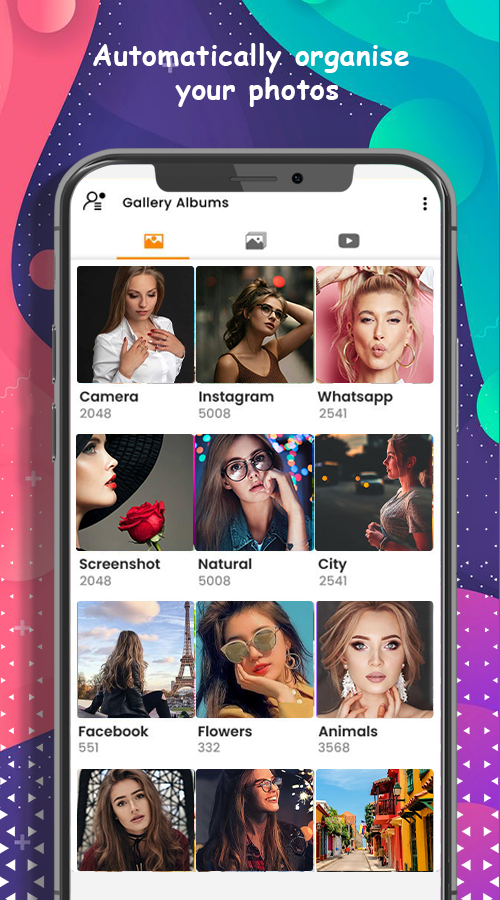
- Clean file sorting to organize and manage folders easily
- Quickly share media directly on social media accounts
- Seamless sharing of media on Emails and official platforms
- Zoom pictures using intuitive pinch gestures
- Full-view image presentation with customizable slideshows
Note: We do not collect any personal information, files, photos, or videos. Your media is kept strictly local and secure on your device.
Popular Tags & Keywords
Unique App Features
Discover the core features that make Quickpic Gallery the trusted choice for users worldwide.
Moments Integration
Usage of the internet is becoming more common due to rapid advancement of technology. Organize photos by timeline & locations automatically.
Built-in Photo Editor
Crop, rotate, resize, flip, and apply standard color filters directly inside the gallery without switching to external apps.
HD Slideshows
Display your collection slide-show style with customizable transition speeds, making it easy to present photos to friends.
Secure Folder Vault
Password-protect your folders. Keep private photos and videos safe from prying eyes with PIN or pattern locks.
Borderless Fullscreen
View images at full screen. Zoom buttons and standard pinch-to-zoom gestures allow you to explore pixel-perfect details.
Favorites & Sorting
Mark albums or individual photos as favorites. Quickly sort your media gallery by name, file size, or date modified.
Choose the Quickpic Experience That Fits You
Select between our standard feature-packed free edition or step up to the ad-free premium pro experience.
Free Download
Quickpic Gallery Photo & Video
Get all essential features to browse, organize, and edit your photos and videos. Contains standard non-intrusive ads to support development.
- Full photo and video browsing with fast loading
- Basic Photo Editor (crop, rotate, filters)
- Slideshow viewing
- Custom album sorting and favoriting

Premium Upgrade
Quickpic Gallery Pro
Unlock the absolute best, ultra-premium gallery experience with zero ads. Gain maximum speeds, enhanced security protocols, and prioritize support.
- **Absolutely Ad-Free Experience**
- Private Locker Folder with Secure Vaulting
- Advanced Photo Editing Suite
- Premium fast-track customer support
Detailed Comparison
| Features |
Free Version
|
Pro Version
|
|---|---|---|
| Basic Gallery Browsing & Speed | ||
| Photo Editor & Filter Tools | ||
| Album sorting & Favoriting | ||
| Interactive Slideshows | ||
| Secure Locker (Private Area) | ||
| Ad-Free Clean Experience | ||
| Priority Support |
Application Screenshots
Take a look at the actual interface of Quickpic Gallery. Click on any screenshot to expand it.